
Capture One Pro Now With More Magic, Brush.

[vc_row][vc_column][vc_video link=”https://www.youtube.com/watch?v=WrIRm2TXCc8″ align=”center”][/vc_column][/vc_row][vc_row][vc_column][vc_column_text]My favourite raw editor and DAM (digital asset manager), Capture One Pro, just released a new update with a few nice little improvements attached, the best of which is their new Magic Brush Tool. They have been refining the selection tools steadily over the last year & this new option is a really […]
Tethering with Fuji for FREE, Capture One Express

[vc_row][vc_column][vc_video link=”https://www.youtube.com/watch?v=fkeRA2T0NrA”][/vc_column][/vc_row][vc_row][vc_column width=”2/3″][vc_column_text]I’ve been asked about tethering with the free version of Capture One recently, if it can be done? The TLDW answer is yes it can, go ahead and watch the video to find out how. Please like and subscribe, if you need any help comment in the video. Capture One offer free versions […]
Cutting the Tethering Cord – Tether Tools Air Direct

[vc_row][vc_column][vc_video link=”https://www.youtube.com/watch?v=mIrCfBrjskE”][vc_column_text]Any chance I get I’ll choose to tether my camera, being able to see the images you just shot a second ago appear on the big screen of a computer & having your grade applied by apps like my preferred editor Capture One is simple the best way of working, paticullaray when shooting headshots […]
Have full control of your Fuji camera from your computer – Tethered shooting
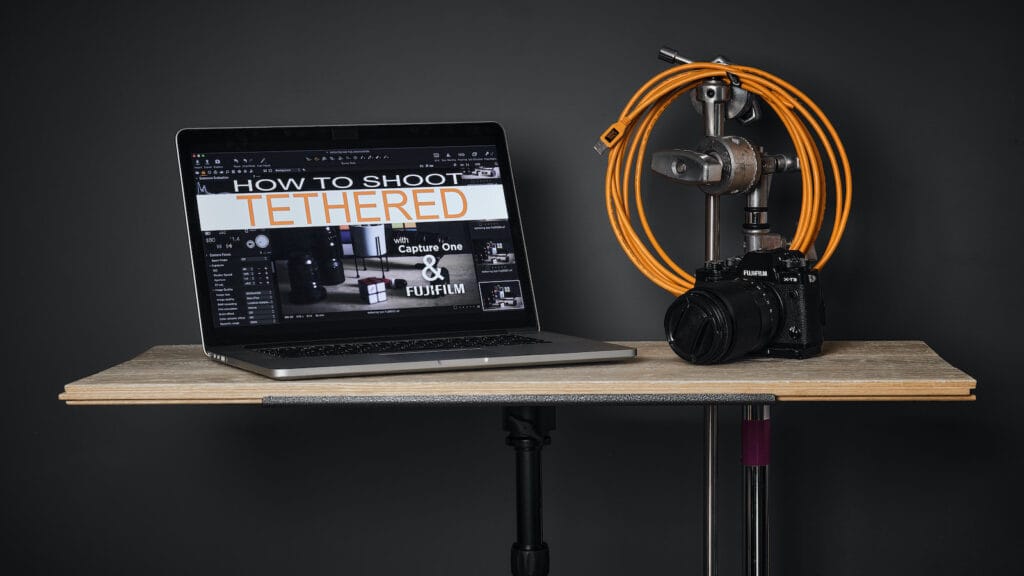
[vc_row][vc_column][vc_video link=”https://www.youtube.com/watch?v=nldtlz7Ag0w” align=”center”][/vc_column][/vc_row][vc_row][vc_column][vc_column_text]I love tethering my camera when I’m shooting portraits of product, really any time I can shoot form one location I’m tethering my camera to my computer. There are many reasons to do so and here are a few that I like & the reasons I choose to bring the extra equipment with […]
How to get Fujifilm’s new Classic Negative profile with your Fuji X-T3
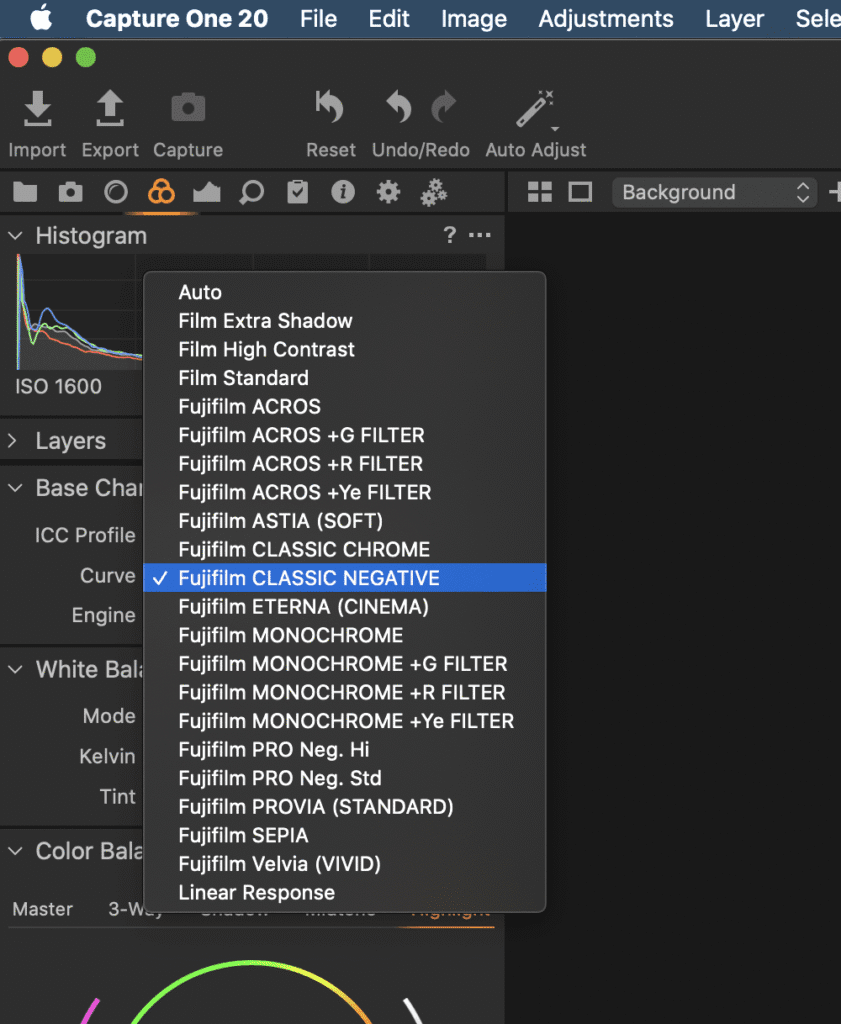
[vc_row][vc_column width=”1/2″][vc_column_text]By now I guess you have read the words and seen all the amazing images the likes of fellow X-Photographer Jonas Rask have upload to their various social media outlets about the new film sim available on the latest series of Fuji X-cameras, the X-PRO3 and X-T4. But what if I told you that […]
Setting up Tools And Tabs in Capture One Pro
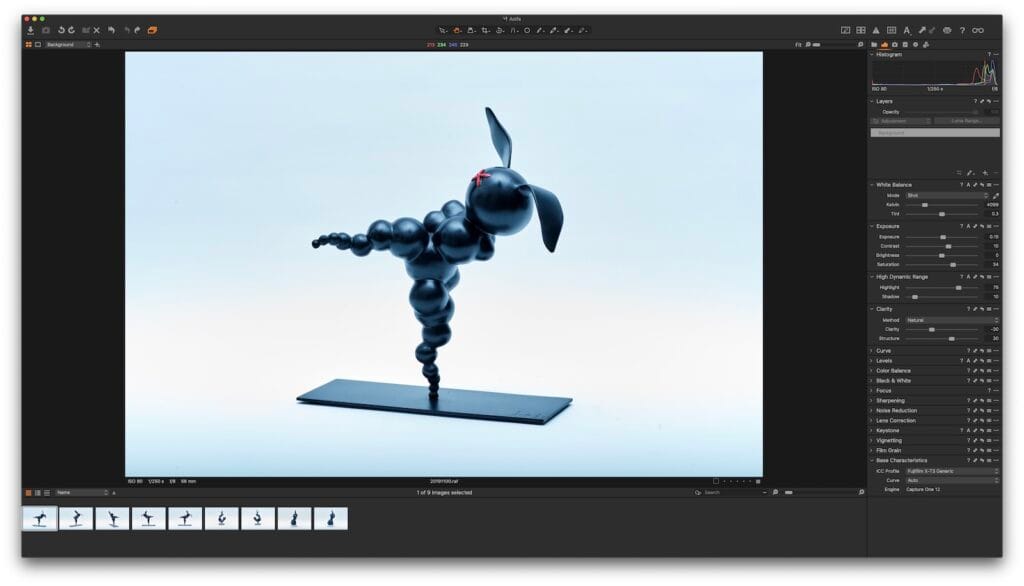
[vc_row][vc_column][vc_column_text]This is the first in a series of posts about the photo editing app Capture One by the Danish camera company Phase One. Today I’m going to show you how to set up the Tools & Tabs within the app as well as a one click setup to give Capture One the layout of Adobes […]
